Join with one key
Toc Toc finds the call in your invitation — Zoom, Google Meet, Microsoft Teams, Webex, FaceTime, Slack huddles and more — and opens it in the app or the browser.

Mac · iPhone
Never miss a meeting again.
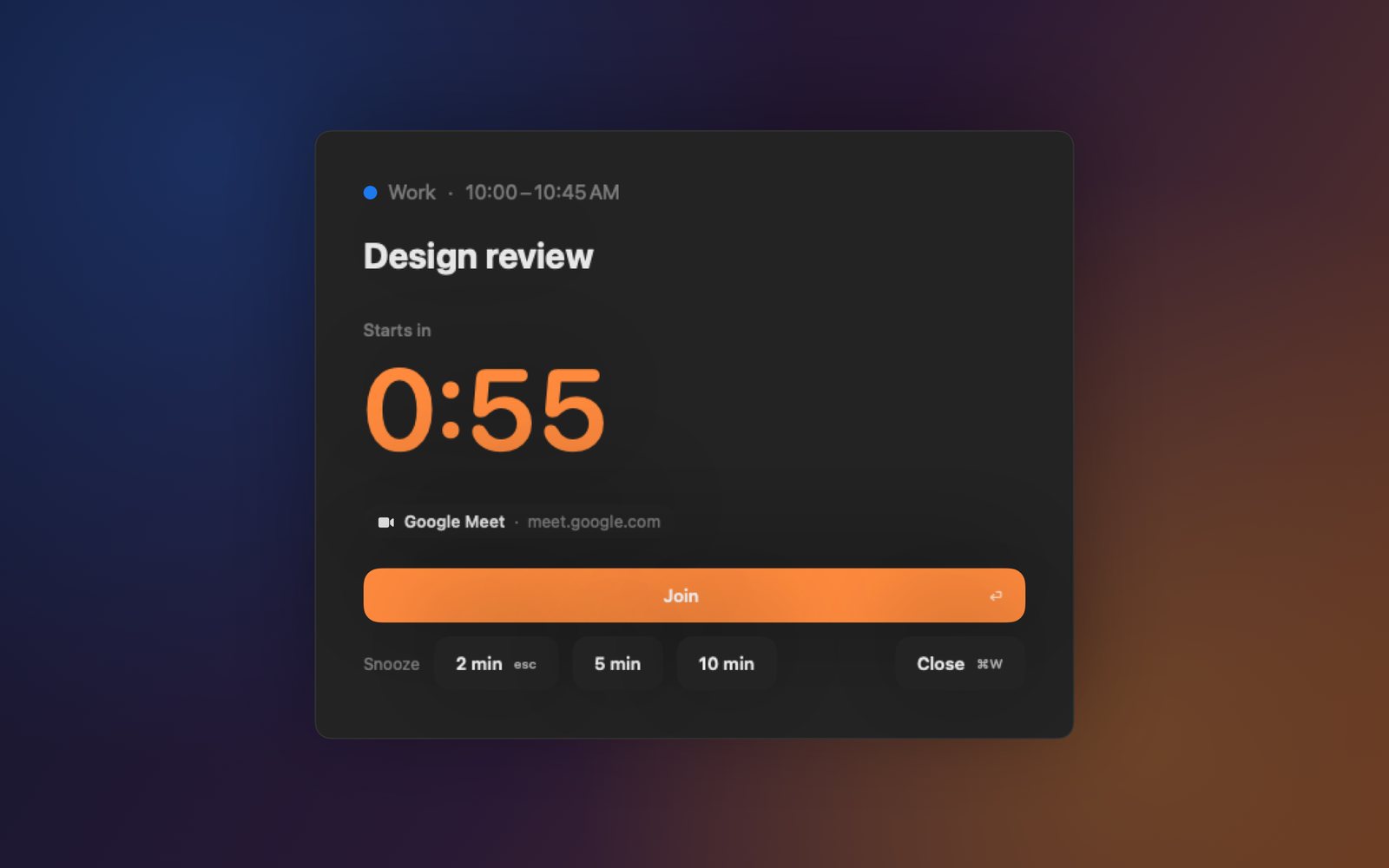
One minute before every meeting, Toc Toc knocks. On the Mac it takes the whole screen, on every display, with a big countdown and a Join button. On the iPhone it rings as an alarm, even in Silent mode.
Coming soon for Mac and iPhone, in 30 languages.
On the Mac
No tiny notification sliding past, no calendar to keep open. A friendly double knock, the meeting, a countdown — and the call is one key away.
On the iPhone
iPhones cannot take the screen, so on the phone Toc Toc knocks with an alarm, the kind that rings through Silent mode and Focus, with Join a tap away. A notification comes first, a few minutes before.


Toc Toc finds the call in your invitation — Zoom, Google Meet, Microsoft Teams, Webex, FaceTime, Slack huddles and more — and opens it in the app or the browser.
If you lose track of time while you design, code, write or study, Toc Toc is the tap on the shoulder you need. Many people with ADHD rely on reminders like this.
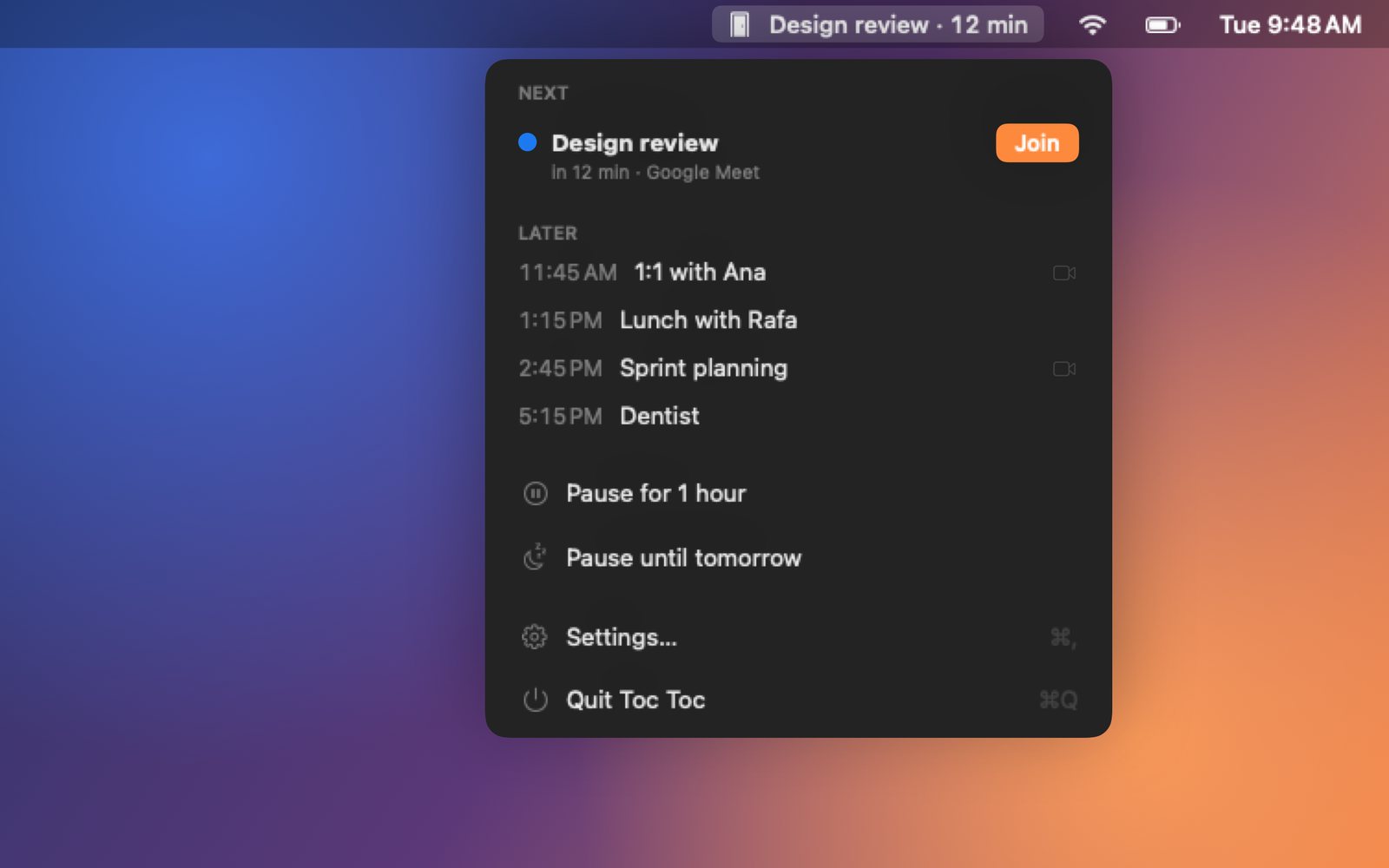
Pause for an hour or until tomorrow. Presenting in Keynote or PowerPoint? The knock waits outside. Mirroring to a projector? It knocks softly in the corner.
iCloud, Google, Microsoft Exchange, Outlook — whatever your Calendar shows. Toc Toc only reads; it never changes an event.
No account, no servers, no tracking. Your meetings never leave your Mac or your iPhone.
From Portuguese and Japanese to Arabic and Hindi, laid out right to left where the language reads that way.
Toc Toc Pro
The free version reminds you with a banner on the Mac and a notification on the iPhone. Toc Toc Pro makes the knock impossible to miss: the whole screen on the Mac, an alarm on the iPhone. Yearly with the first week free, or once for life — one purchase for both.
01 / Try it
An interactive demonstration made for this website. It uses example data and does not access your files or accounts.
02 / Inside the app
Screenshots from the app. Projects in development may change before release.
In testing